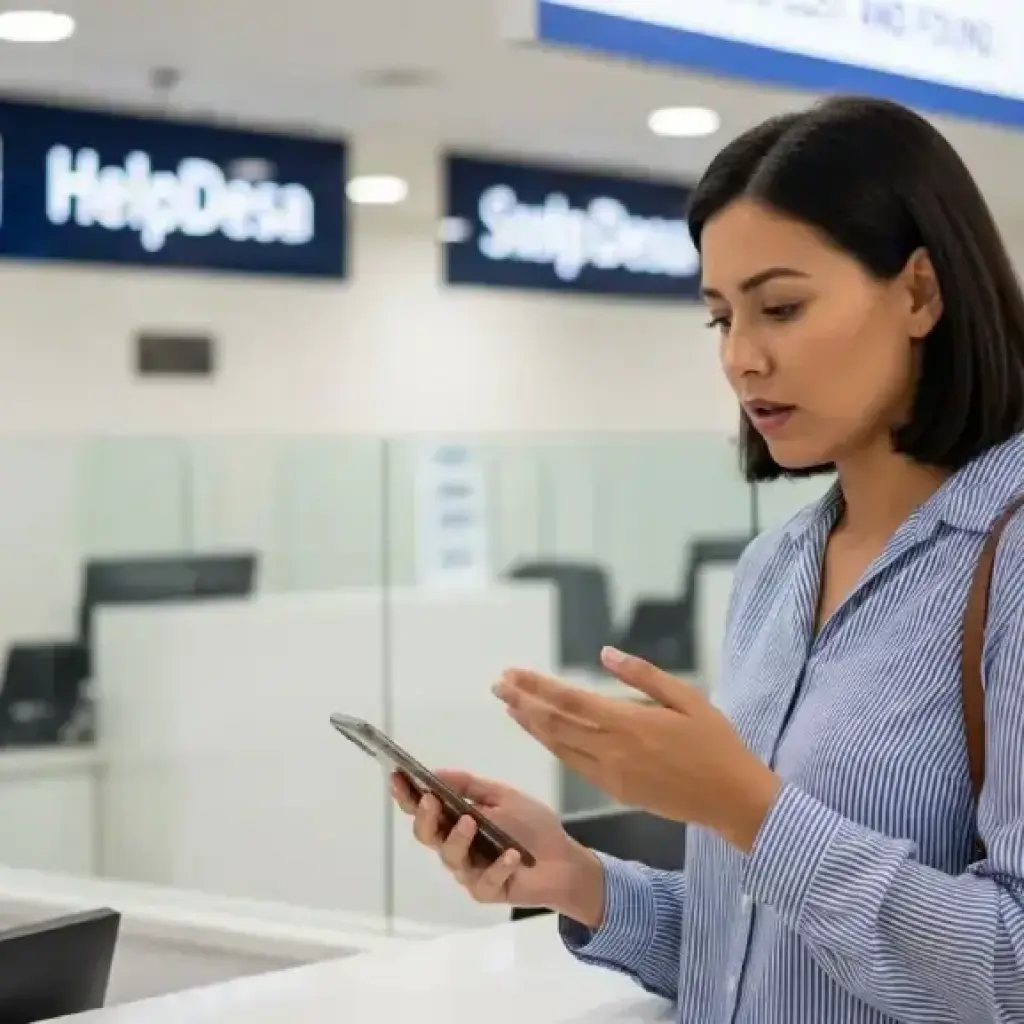
Losing your passport, wallet, or phone in the UAE can be stressful—especially if you’re a tourist or a new resident. These items are not just valuables; they often hold your identity, money, essential documents, and access to your mobile banking. The good news: the UAE is one of the safest countries in the world, and lost items are returned more often here than in most countries. With the right steps and timely action, you can recover your belongings or get replacements without unnecessary panic.
This guide explains exactly what to do—step by step—whether you misplaced your items in Dubai, Abu Dhabi, Sharjah, Ajman, Ras Al Khaimah, Fujairah, or Umm Al Quwain.
Section 1: If You Lost Your Passport in the UAE
Losing your passport is the most serious scenario, especially for visitors. But don’t worry—there is a structured process to follow, and authorities in the UAE are highly efficient.
Step 1: Immediately File a Lost Passport Report with Police
Where to file?
- In Dubai → Through Dubai Police App or nearest police station
- In Abu Dhabi → AD Police App or a police service center
- Other Emirates → Visit the nearest police station
The report is crucial for:
- Preventing misuse
- Getting an official certificate
- Starting your embassy replacement process
You’ll receive a Lost Passport Certificate, which is required by your embassy.
Step 2: Contact Your Embassy or Consulate
Every embassy has a defined procedure for issuing:
- Emergency travel documents
- Temporary passports
- Full replacements
Common requirements:
- Copy of passport (if available)
- Passport-size photos
- Police report
- Emirates ID copy (if resident)
- Entry stamp or visa copy
If you are a resident, your embassy will guide you on how to reissue your passport and then update it in UAE immigration systems.
Step 3: Cancel and Reissue Your UAE Visa or Entry Permit
Depending on your status:
- Tourists → Your travel agency or hotel may assist with issuing a new entry permit for exit.
- Residents → Your employer or PRO will help update your new passport in the immigration system.
Don’t attempt to leave the UAE without a valid travel document and updated visa—it will cause problems at the airport.
Step 4: Keep All Documents Handy for Airport Immigration
When traveling again, carry:
- New passport
- Lost Passport Police Report
- Embassy-issued travel document
- Updated visa or copy of old visa
Airports in UAE are familiar with such cases, so the process is smooth if your documents are complete.
Section 2: If You Lost Your Wallet in the UAE
A wallet usually contains your Emirates ID, bank cards, driving license, and cash. Losing it can disrupt your day, but UAE’s lost-and-found system works excellently.
Step 1: Block All Bank Cards Immediately
Contact your bank:
- Emirates NBD
- ADCB
- FAB
- Mashreq
- RAKBANK
- Others
Most banks allow instant blocking through:
- Mobile app
- Customer care
- SMS service
Request replacement cards right away.
Step 2: File a Lost Items Report with Police
This helps you:
- Protect your identity
- Prove loss if someone misuses your documents
- Retrieve the wallet if someone finds it
Dubai Police, Abu Dhabi Police, and Sharjah Police have “Found Items” departments where thousands of lost wallets are reported every month.
Step 3: Apply for Replacement of Emirates ID
Apply via:
- ICP Smart Services website
- UAE ICP App
- Customer Happiness Center
You’ll need:
- Passport copy
- Residency visa (for expats)
- Passport photo
- Lost ID fees
The new card usually arrives within a few days.
Step 4: Replace Your Driving License (if it was in the wallet)
You can apply through:
- Dubai RTA App
- Abu Dhabi TAMM
- Sharjah RTA Service Centers
No driving test or training required—just pay replacement fees.
Step 5: Check Lost-and-Found Departments Regularly
Places where lost wallets are commonly returned:
- Dubai Mall, Mall of the Emirates, and major malls
- Dubai Metro/RTA stations
- Taxis (check Dubai Taxi Found Items Center)
- Airports
- Hotels
Success rate of recovered items in UAE malls and metro systems is very high.
Section 3: If You Lost Your Phone in the UAE
Today, your smartphone holds everything—bank apps, photos, passwords, and personal data. Losing it can feel disastrous. But UAE authorities have strong systems to help.
Step 1: Use Find My iPhone or Google Find My Device
Try immediately:
- Ring the phone
- Lock the device
- Track location
- Erase data remotely (if it looks unrecoverable)
Often, the phone is still in the mall, taxi, or restaurant.
Step 2: File a Case with Police if Tracking Fails
Use:
- Dubai Police App – Lost Item Service
- AD Police App
- Visit your nearest police station in other Emirates
A police report protects you if someone misuses your SIM or your device.
Step 3: Block Your SIM Card
Contact your operator:
- Du
- Etisalat by e&
- Virgin Mobile
- Yotta eSIM
Request:
- SIM block
- eSIM reactivation on new phone
- Replacement SIM at the nearest store
This prevents misuse of OTPs and banking access.
Step 4: Visit Lost-and-Found Departments Where You Last Used the Phone
Check:
- RTA (if lost in taxi, metro, tram, bus)
- Mall customer service
- Airport lost-and-found
- Hotel reception
- Restaurant management
Phones are often found and turned in within hours in the UAE.
Step 5: Secure Your Digital Accounts
Immediately change:
- Email passwords
- Banking passwords
- Social media passwords
- Apple/Google account passwords
This protects your data even if someone accesses your phone.
Section 4: Tips to Avoid Losing Important Items in the UAE
While accidents happen, these simple habits can reduce your risk:
1. Use a crossbody travel pouch while sightseeing
Keeps passport and wallet secure.
2. Activate device tracking before your trip
Don’t wait until it’s too late.
3. Keep digital copies of your passport and IDs
Store them securely in the cloud or email.
4. Label your phone or wallet with a contact number
Finders can return them faster.
5. Avoid placing items on tables, taxi seats, or shop counters
Most losses happen due to distraction.
Section 5: Why Recovering Lost Items Is Easier in the UAE
The UAE has one of the most organized lost-and-found systems globally. Reasons include:
- Advanced surveillance
- Highly responsive police
- Honest society standards
- Digital service apps
- Strict laws against misuse
Most tourists and residents get their items back within hours or days.
Conclusion
Losing your passport, wallet, or phone in the UAE can be unsettling, but it doesn’t have to turn into a crisis. The country’s efficient security systems, quick police support, and transparent procedures make recovery or replacement smoother than in many parts of the world.
If you act fast—report, block, replace, and track—you can minimize any risk and continue your trip or daily life with confidence. Whether you're a tourist enjoying a short stay or a resident navigating daily routines, knowing these steps prepares you for emergencies and ensures safety and peace of mind in the UAE.