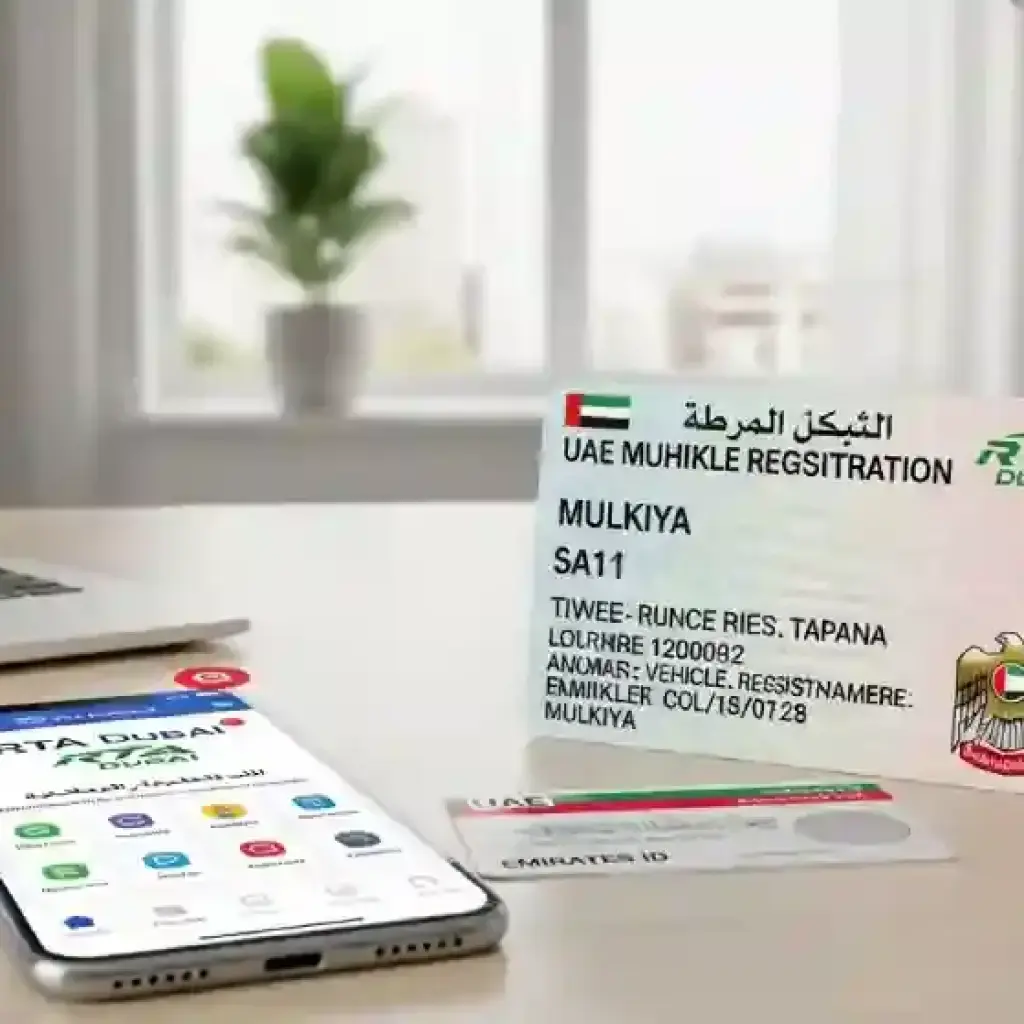
Keeping your vehicle registration and RTA records up-to-date in the UAE is crucial for hassle-free driving. Whether you’ve moved to a new address, changed your mobile number, or sold your vehicle, updating your details ensures that you receive all important notifications and avoid fines. Many residents are unaware of the correct procedures, leading to unnecessary stress. This guide walks you through the process step by step, making it easy for you to manage your vehicle records confidently.
Why Updating Your Vehicle Registration Matters
Vehicle registration is more than just a legal requirement. Accurate details help:
- Ensure you receive Salik and traffic fine notifications promptly.
- Avoid penalties due to outdated information
- Facilitate smooth vehicle transfers when selling or buying a car.
- Ensure compliance with RTA regulations and traffic laws.
Outdated details, especially a wrong address or mobile number, can lead to fines and missed notifications. Updating your records protects you from these problems.
Step 1: Gather Required Documents
Before starting, make sure you have the necessary documents ready. This helps avoid multiple trips to the RTA or online delays. Common documents include:
- Original Emirates ID or valid passport
- Vehicle registration card (Mulkiya)
- Updated residency visa (if applicable)
- Proof of your new address or contact details (like a tenancy contract or utility bill)
- Insurance papers (if required by the RTA)
Having these documents handy ensures a smooth process.
Step 2: Decide Your Mode of Update
You can update your vehicle records through two main methods:
- Online via RTA Website or App
- Convenient, avoids queues, and available 24/7.
- You can update address, phone number, email, or ownership details.
- In-Person at RTA Customer Service Center
- Required for some changes, such as vehicle ownership transfer.
- Staff can guide you if your documents require verification.
For most routine updates like contact information or address, the online method is faster and recommended.
Step 3: Update Vehicle Registration Online
Here’s how you can update your details online through the RTA website or app:
- Login to RTA’s Official Portal
- Visit RTA.ae or download the RTA Dubai App.
- Log in using your Emirates ID, mobile number, or RTA account.
- Select Vehicle Service
- Go to the section labeled “My Vehicles” or “Vehicle Services”.
- Choose Update Registration Details.
- Choose the Details to Update
- Update your mobile number, email, or address.
- Some changes, like vehicle ownership, may require document upload
- Upload Documents (if required)
- Upload scanned copies of your Emirates ID, tenancy contract, or insurance papers.
- Ensure files are clear and legible to avoid rejection.
- Review and Submit
- Double-check all details before submitting.
- You’ll receive a confirmation SMS or email once the update is successful.
Step 4: Update Vehicle Records in Person
Some updates, such as vehicle ownership transfer, lost registration card, or complex address changes, require a visit to the RTA Customer Service Center:
- Visit your nearest RTA service center.
- Submit your documents to the customer service desk.
- Pay any applicable fees, which vary depending on the type of update
- Receive updated registration documents instantly or via mail.
Step 5: Update Related Services
After updating your vehicle registration, make sure to update linked services to avoid missing notifications:
- Salik Account: Ensure your mobile number and email match your updated registration.
- Insurance: Notify your car insurance provider about any changes to address or contact details.
- Bank Accounts (for Salik or fines): Ensure your payment methods are updated to prevent failed payments.
Step 6: Vehicle Ownership Transfer
If you’re selling or buying a car, updating records is slightly more detailed:
- Buyer and seller must visit the RTA center together.
- Submit the ownership transfer form, ID copies, and vehicle documents.
- Pay applicable fees and fines.
- Receive the updated Mulkiya card with the new owner’s details.
Keeping records accurate during transfers prevents future disputes.
Step 7: Common Mistakes to Avoid
Many residents face delays due to simple mistakes. Here’s what to avoid:
- Submitting wrong or expired documents
- Forgetting to update linked services like Salik or insurance
- Providing incomplete address proof
- Updating details without confirmation (always check your SMS or email notification)
Following the correct steps ensures your update is smooth and hassle-free.
Step 8: Fees and Charges
Most routine updates, such as mobile number or address changes, have minimal fees, usually around AED 20–50.
- Ownership transfer and lost registration card updates may be higher.
- Payments can be made online or at RTA counters using cards or cash.
Check the RTA portal for the latest fee schedule before proceeding.
Step 9: Timing and Processing
- Online updates: Usually processed within 24 hours, confirmation via SMS or email.
- In-person updates: Instant or within 1–2 days depending on document verification.
- Avoid last-minute changes to prevent fines or missed deadlines.
Step 10: Keep Records Safe
After updating:
- Save digital copies of confirmation messages and updated Mulkiya card.
- Keep a backup of documents in case of future updates.
- Check periodically to ensure all details are accurate and reflected in RTA records.
Tips for Smooth Updates
- Use the RTA App – Faster than visiting centers.
- Double-check Emirates ID and residency validity – Expired IDs can delay processing.
- Update all linked accounts (Salik, insurance, bank) immediately after updating RTA.
- Keep contact information consistent – Same mobile number across all services prevents missed alerts.
- Plan ahead – Avoid peak hours at RTA centers for in-person visits.
Conclusion
Updating your vehicle registration and RTA records in the UAE is a simple process if you follow the right steps. Whether it’s changing your mobile number, address, or transferring ownership, having accurate records ensures you avoid fines, receive notifications promptly, and enjoy a smooth driving experience.
Using the RTA online portal or app makes most updates fast and convenient, while in-person visits handle more complex changes. Always gather your documents, follow the instructions carefully, and confirm the update before leaving.
By staying proactive and keeping your vehicle information current, you can drive with confidence, knowing that all your RTA records are correct.