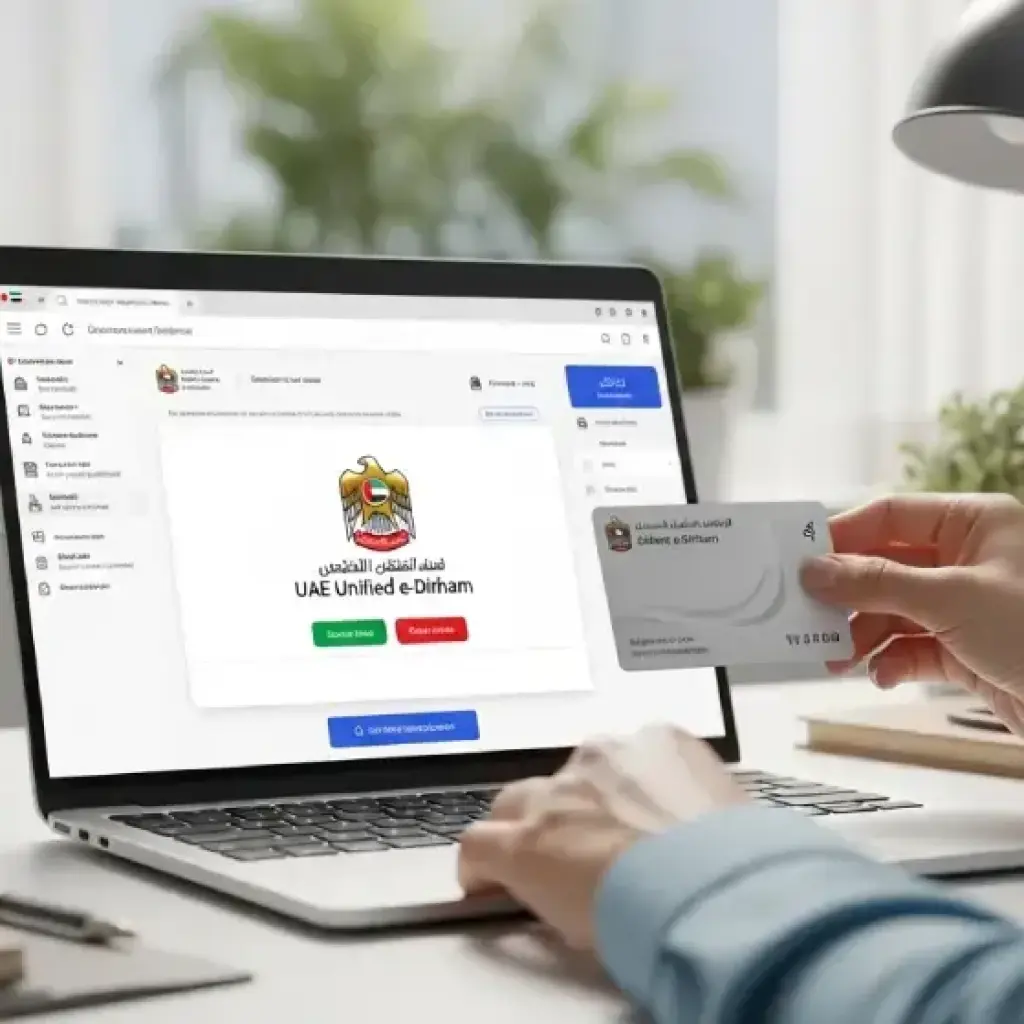
Step 1: Visit the Government Service Portal
The first step is to identify the department you need services from. For example:
- ICP → visa & residency
- MOHRE → labour card, work permits, contract fees
- Dubai Police / Sharjah Police / Ajman Police → fines & clearances
- Ministry of Justice → legal services
- Municipality departments → permits & licences
Most government websites now support e-Dirham directly on their payment pages.
Step 2: Choose Your Service and Proceed to Payment
Complete your application and proceed until you reach the payment page.
You will usually see multiple payment options, and one of them will be:
- Unified e-Dirham
- e-Dirham Payment Gateway
- Digital e-Dirham
- Smart Payment Portal (e-Dirham)
Select this option.
Step 3: Select Your Preferred Payment Method (Multiple Options Available)
The e-Dirham system supports several ways to complete your payment:
1. Debit/Credit Cards
Visa, Mastercard, and other major bank cards are accepted.
2. e-Dirham Cards (For Some Departments)
Some users still prefer using the earlier card-based system, and it is still supported for selected services.
3. Bank Direct Debit
Some banks allow direct payment through linked accounts.
4. Digital Wallets
The e-Dirham gateway supports integration with approved UAE digital wallets.
5. Online Banking Options
Certain banks in the UAE offer direct online transfer options via the e-Dirham portal.
6. Prepaid Cards (Optional)
A prepaid e-Dirham card can be loaded and used like a digital wallet.
You can choose whichever option suits you best.
Step 4: Complete Authentication
Depending on the payment method, you may be asked to verify through:
- OTP (One-Time Password)
- Emirates ID-linked number
- Mobile wallet authentication
- Banking app confirmation
This ensures secure processing.
Step 5: Receive Instant Payment Confirmation
Once your payment is successful, the system generates:
- A confirmation receipt
- A reference number
- Payment status update directly in the service portal
You can immediately view or download your receipt as a PDF.
Usin e-Dirham at Service Centres or Kiosks
If you prefer handling services in person, many government service centres and smart kiosks accept e-Dirham payments. The process is simple:
- Visit the service centre.
- Submit your application documents.
- Proceed to the payment counter.
- Choose e-Dirham as your payment method.
- Pay using card or digital wallet.
- Collect your printed receipt.
Common places that accept e-Dirham include Tasheel centers, Tasjeel centers, Visa Medical Centers, and Immigration offices.
Benefits of Using UAE’s Unified e-Dirham System
The platform offers several advantages for individuals, businesses, and government agencies.
1. Fast and Efficient Payments
Transactions take only seconds and are processed instantly, reducing waiting time and eliminating long queues.
2. Secure and Encrypted System
The payment gateway uses multi-layer encryption, protecting your financial and personal data.
3. One System for All Government Payments
Instead of figuring out different payment methods for various departments, the e-Dirham unifies everything under a single platform.
4. Multiple Payment Options
Users can choose from cards, wallets, and online banking, making it suitable for all types of individuals.
5. No Need for Physical Cards (If Not Preferred)
Although the card system still exists, most services now work digitally with no need to buy or top-up a physical card.
6. Suitable for Both Residents and Visitors
Tourists needing government services—like traffic fine payments—can also use the e-Dirham without registration.
7. Instant Receipts and Tracking
Every transaction generates a digital receipt with full tracking details.
How Businesses Can Use the e-Dirham System
Companies in the UAE often need to make regular government payments for:
- Employee visas
- Labour contracts
- Trade licenses
- Immigration files
- Customs transactions
The e-Dirham simplifies these processes, allowing businesses to complete high-volume payments efficiently and securely.
Tips for Using the e-Dirham Payment System Smoothly
Here are best practices to ensure hassle-free transactions:
1. Make sure your bank card is activated for online payments.
Some cards require activation before being used online.
2. Keep your UAE PASS account updated.
Many portals use UAE PASS for login and authentication.
3. Always save the receipt after each payment.
It helps track your applications and resolve any future issues.
4. Use the same mobile number for OTP verification.
This reduces delays in receiving authentication codes.
5. Avoid using weak internet connections.
A payment interruption can lead to failed transactions.
6. Verify service fees before confirming payment.
Government portals typically display all fees clearly—double-check before proceeding.
Frequently Asked Questions (FAQ)
1. Do I need to register to use e-Dirham?
No, most payments can be made directly without registration.
2. Can I use international cards?
Yes, Visa and Mastercard are widely accepted.
3. Is the e-Dirham card still required?
Not necessarily—many services now support direct online payment methods.
4. Can businesses use e-Dirham for employee services?
Yes, businesses can handle all their government transactions through the unified gateway.
5. Do I get a refund if the service is rejected?
Refund policies depend on the department. Check the relevant authority’s website for specific cases.
Conclusion: A Smarter Way to Pay for Government Services in the UAE
The Unified e-Dirham payment system reflects the UAE’s commitment to providing fast, secure, and user-friendly digital services. Whether you’re applying for a visa, paying fines, renewing a license, or completing business requirements, the platform ensures that your payment process is seamless and efficient.
With multiple payment options, instant confirmation, and a unified system that works across government departments, the e-Dirham is an essential tool for anyone living in or doing business in the UAE.