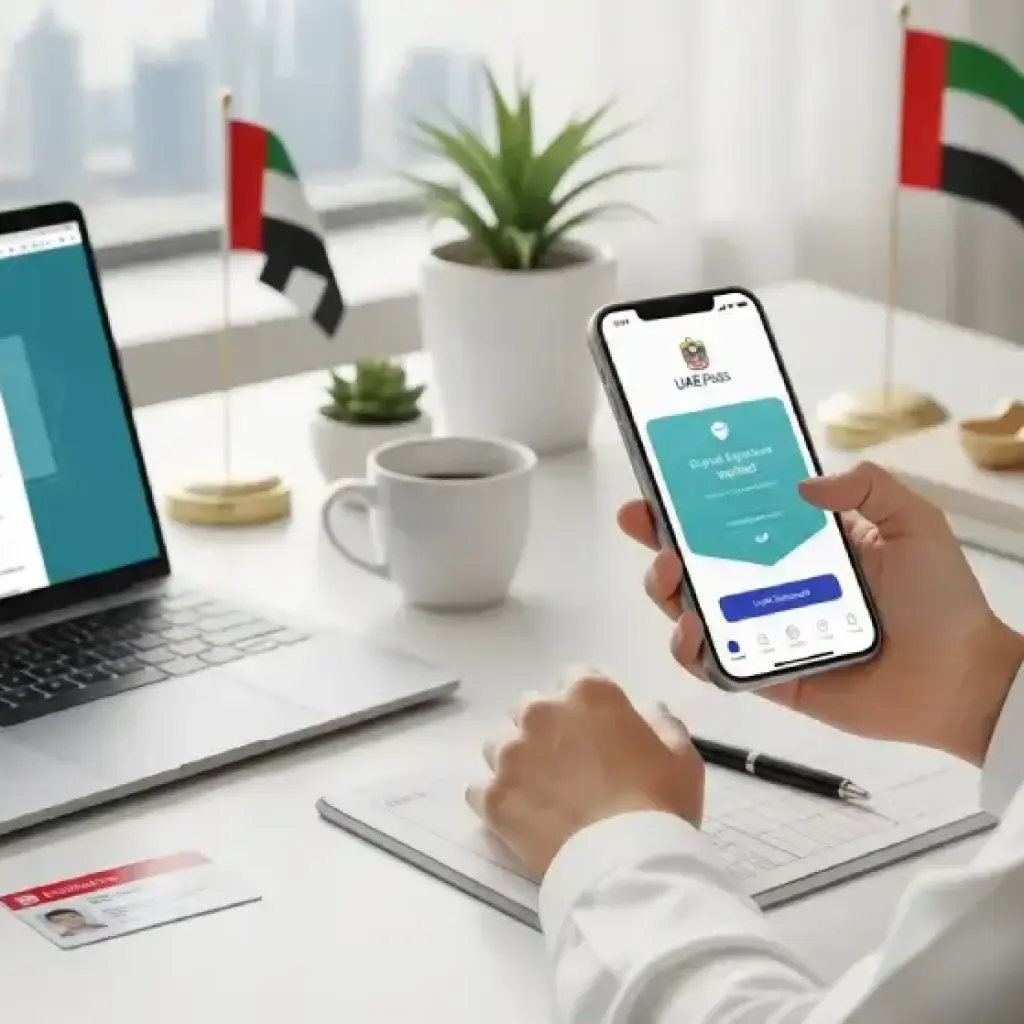
Learn how to use the UAE Pass app to digitally sign, verify, and share official documents securely in 2025. This quick guide explains UAE Pass setup, e-signature steps, and verification methods—helping residents and professionals manage government paperwork easily, safely, and 100% paper-free.
In the UAE’s move toward a completely digital future, the UAE Pass app has become the single most powerful tool for accessing and managing official services. Whether you need to log in to government portals, sign employment contracts, or share verified documents, UAE Pass makes everything paperless, secure, and instant.
This guide explains how to use the UAE Pass app to sign and share official documents, step-by-step — plus how to fix common issues, and why every UAE resident should activate it in 2025.
UAE Pass is the country’s national digital identity — a secure app developed in partnership with Smart Dubai, the Telecommunications and Digital Government Regulatory Authority (TDRA), and Abu Dhabi Digital Authority.
It allows you to:
Log in to over 6,000 UAE government and private services with one digital ID.
Digitally sign documents that are legally recognized across the UAE.
Verify and share official documents securely online.
Access and store digital versions of key documents such as Emirates ID, tenancy contracts, and more.
In short, UAE Pass replaces long queues, typing center visits, and paper forms with a verified digital identity.
How to Set Up the UAE Pass App
Before you can start signing documents, you need to create and verify your UAE Pass account. Here’s how:
Register with your Emirates ID — scan the ID to automatically capture your information.
Verify your identity using facial recognition. The app uses advanced AI to confirm that your selfie matches your Emirates ID photo.
Create a PIN or enable biometric login for security.
Link UAE Pass with government portals such as MOHRE, RTA, ICA, and DubaiNow.
Once verified, your UAE Pass becomes your official login credential for all major e-services.
How to Digitally Sign Documents Using UAE Pass
UAE Pass offers a simple and legally binding way to digitally sign contracts and official papers. Follow these steps:
Open the document you want to sign — for example, an employment contract, tenancy agreement, or application form.
Look for the “Sign with UAE Pass” or “eSign” option (most UAE portals include this feature).
When prompted, open the UAE Pass app on your phone.
Review the document and tap “Approve” to apply your signature.
Once done, the document is automatically stamped with a verified digital signature.
Each e-signature includes:
A timestamp
Encrypted certificate
Verification QR code
Your verified Emirates ID-linked identity
This ensures your signed document is legally valid and tamper-proof.
How to Share or Verify Signed Documents
After signing a document, UAE Pass lets you share it securely without printing or scanning.
Use the “Share Document” option to send it via email or upload it directly to official portals.
The recipient can scan the QR code or use the UAE Pass verification website to confirm its authenticity.
Documents signed with UAE Pass are accepted by ministries, banks, courts, and private companies.
Tip: Always ensure the recipient checks the signature through the UAE Pass validation link rather than third-party PDF tools.
How to Verify a UAE Pass Digital Signature
To confirm a document’s authenticity:
Visit the UAE Pass verification page.
Upload the signed PDF or scan its QR code.
You’ll see the document’s signature certificate, issuer, and timestamp.
This quick check helps prevent fake or altered documents — a crucial step for HR departments, landlords, and government offices.
Common UAE Pass Errors & Fixes
Like any digital system, you might face minor issues. Here’s how to fix the most common ones:
Problem
Possible Cause
Solution
Signature fails to apply
Outdated app version
Update the UAE Pass app
Face verification not working
Low lighting or camera error
Retry in bright light or use front camera
QR code not scanning
Low-resolution document
Re-sign and download again
Document not verifying
Expired signature token
Reapply digital signature via app
Unable to log in
Account inactive
Reactivate by re-verifying Emirates ID
If issues persist, you can contact UAE Pass support through the in-app help section or call TDRA helpline (800 928).
Security Features of UAE Pass
The UAE Pass system is built to meet international digital identity standards. Key security features include:
Facial recognition verification linked to your Emirates ID photo.
End-to-end encryption of all signed and shared documents.
PIN or biometric login protection.
Encrypted digital certificates issued only by UAE’s approved authorities.
This ensures all transactions are both legally binding and fully secure.
Benefits of Using UAE Pass for Digital Signatures
Save time and paper – no more printing or visiting service centers.
Access all UAE e-services with a single login.
Legally recognized by all UAE federal and emirate-level entities.
Supports cross-platform access — works on computers, tablets, and mobile devices.
Free and easy to use, with constant updates to include new features.
Whether you’re applying for a business license, signing a lease, or updating your employment contract, UAE Pass ensures a smooth, paperless process.
Where You Can Use UAE Pass for e-Signing
MOHRE – Sign labour contracts or salary transfer approvals.
RTA – Verify driver or vehicle-related applications.
DubaiNow / Abu Dhabi TAMM – Access hundreds of smart services.
Banks & Insurance Firms – Submit digital forms or KYC documents.
Real Estate Portals – Sign tenancy and Ejari agreements online.
The list is growing every month, as private and public sectors continue to integrate UAE Pass functionality.
The Future of UAE Pass
By 2026, UAE Pass will serve as the core digital identity for every resident, visitor, and business owner in the country. It’s already expanding into areas like:
Health record access and verification
Digital tenancy contracts
Education certificate authentication
Cross-border digital signatures for GCC-based services
The UAE government’s long-term goal is to make every public service accessible without physical paperwork — and UAE Pass is the foundation of that transformation.
Conclusion: Go Paperless, Go UAE Pass
Using the UAE Pass app to sign and share official documents is not just convenient — it’s the new standard for secure, smart living in the UAE.
From employment contracts to tenancy renewals, UAE Pass helps you handle everything in minutes, wherever you are. It’s safe, legal, and recognized across all official channels — making it an essential tool for every resident and professional in the country.
If you haven’t activated it yet, download UAE Pass today and start experiencing the UAE’s digital transformation first-hand.
From 1 January 2027, UAE driving licences will be valid for anywhere between one and ten years, depending on your age, nationality and residency status. Here is a clear breakdown of validity periods, minimum driving ages, licence requirements and who can drive without a UAE licence.
Football fans in the UAE and across the Middle East are gearing up for the biggest FIFA World Cup ever. Here's everything you need to know about watching all 104 matches live, streaming options, subscription packages, match timings, and coverage across the region.
The UAE is expected to witness a hot and dusty weekend with temperatures reaching 42°C in inland regions. Strong winds, hazy conditions, and blowing dust are forecast across several parts of the country through Monday.