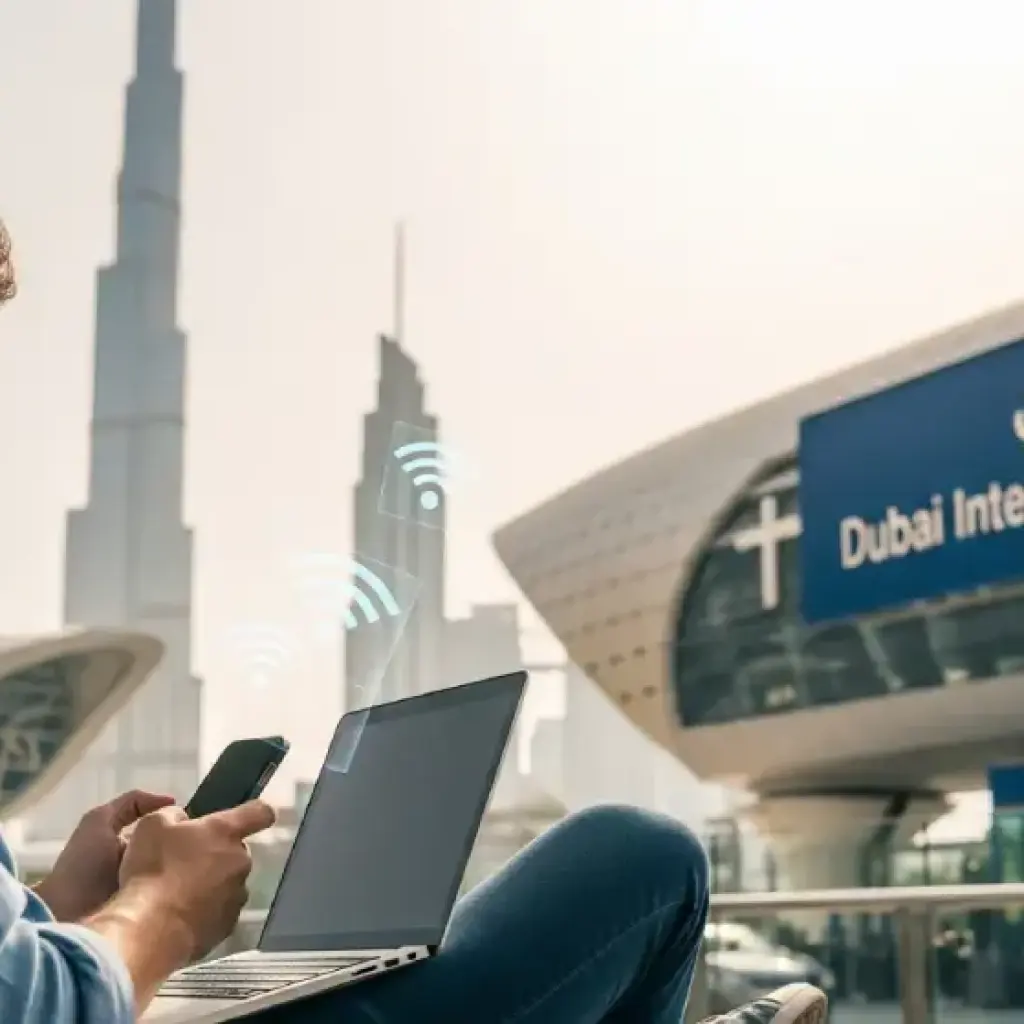
Discover how to get free Wi-Fi in Dubai — from airports and metro to beaches and malls. Stay connected anywhere, without using mobile data.
Dubai is one of the world’s most connected cities — not just by air, but digitally too. Whether you’re a tourist landing for the first time or a resident on the go, having internet access is essential for navigation, communication, and entertainment.
The good news? You don’t always need a SIM card or paid data plan. Dubai offers free Wi-Fi in airports, metro stations, malls, beaches, and public areas. This guide explains where to find it, how to connect, and tips to stay secure while using free networks in the UAE.
1. Free Wi-Fi at Dubai International Airport (DXB)
Where It’s Available
Dubai International Airport (DXB) offers unlimited free Wi-Fi in all terminals (T1, T2, and T3), lounges, and gate areas. The network is managed by DXB Free WiFi and provides high-speed connectivity.
How to Connect
Open your device’s Wi-Fi settings.
Select the network: “DXB Free WiFi”.
A login page will appear automatically.
Enter your email address or social media login (Facebook, Twitter, etc.).
Tap Connect — and you’re online instantly.
Speed and Reliability
Speeds typically range between 5 Mbps to 20 Mbps, sufficient for streaming, browsing, or calling over WhatsApp. The airport’s connection is powered by high-capacity fiber optics, making it one of the fastest free airport Wi-Fi networks globally.
Tip
If your connection drops, forget the network and reconnect. Avoid connecting to any Wi-Fi networks that are not named DXB Free WiFi, as fake ones may pose security risks.
2. Free Wi-Fi on the Dubai Metro and RTA Buses
Wi-Fi on Metro
Dubai Metro passengers enjoy free Wi-Fi powered by WiFi UAE, a government-backed initiative by the Telecommunications and Digital Government Regulatory Authority (TDRA) in partnership with du.
How to Connect:
Enable Wi-Fi and select “WiFi UAE”.
The browser automatically redirects to the login portal.
The free version supports browsing, messaging, and social media. For streaming or downloading, the premium plan (AED 5–10 per day) is recommended.
Wi-Fi on Buses and Tram
RTA buses and the Dubai Tram also offer WiFi UAE coverage. Speeds vary depending on location and passenger load, but for basic needs like Google Maps or WhatsApp, it’s reliable.
3. Free Wi-Fi in Dubai Malls
Dubai’s shopping malls are tech-savvy and traveler-friendly — most offer high-speed, unlimited free Wi-Fi.
Major Malls with Free Wi-Fi
The Dubai Mall: Network name — DubaiMall Free WiFi
Mall of the Emirates:MOE Free WiFi
City Centre Deira & Mirdif:Majid Al Futtaim Free WiFi
Ibn Battuta Mall:IbnBattutaFreeWiFi
Dubai Festival City Mall:DFC Free WiFi
How to Connect:
Open your Wi-Fi settings.
Select the network.
Register with your email or mobile number.
Verify (if required), then browse freely.
Most malls maintain good speed and coverage even in busy areas like food courts and cinema halls.
Tip
Use these networks to book rides, check offers, or download mall maps through their official apps.
4. Free Wi-Fi in Dubai Parks, Beaches, and Public Places
Dubai Municipality has expanded WiFi UAE hotspots to public areas, making outdoor browsing easy.
Popular Free Wi-Fi Spots
Jumeirah Beach & Kite Beach
Al Seef & La Mer Waterfront
Zabeel Park & Creek Park
Burj Park (Downtown Dubai)
Dubai Marina Walk & JBR Beach
Most of these use the same WiFi UAE network, so once you’ve logged in once, your device reconnects automatically whenever nearby.
Coverage & Speed
Coverage extends to rest areas, cafés, and promenades. Expect speeds around 2–5 Mbps on the free tier — enough for social media, browsing, and light streaming.
5. Free Wi-Fi at Hotels and Cafés
Hotels
Nearly all hotels in Dubai — from budget stays to 5-star resorts — provide free Wi-Fi for guests.
Budget Hotels: Login via room number or voucher code.
Luxury Hotels (Atlantis, Burj Al Arab, Address): Offer high-speed Wi-Fi across lobbies, pools, and restaurants.
If you’re visiting a friend staying at a hotel, most allow short-term guest access codes from the reception.
Cafés and Restaurants
Dubai’s café culture thrives on connectivity. Many outlets provide free Wi-Fi for customers, including:
Starbucks (UAE Wi-Fi by du)
Costa Coffee
Tim Hortons
McDonald’s
Gloria Jean’s Coffees
Tip: Ask for the password on your receipt or at the counter. It’s common for cafés to require a small purchase to access Wi-Fi.
6. Free Wi-Fi in Government Buildings & Public Offices
The UAE government promotes digital inclusion through Smart Dubai and WiFi UAE. You can connect freely in many public service centers, including:
Dubai Municipality Centers
RTA Customer Happiness Centers
Immigration and Emirates ID offices
Smart Police Stations
This initiative helps residents and visitors complete digital services quickly while waiting.
7. How to Stay Secure on Public Wi-Fi
While Dubai’s public Wi-Fi networks are generally safe, open networks can still pose privacy risks. Here’s how to protect yourself:
✅ Tips for Safe Browsing
Use a VPN if accessing sensitive accounts (e.g., banking).
Avoid online payments or entering personal details on public Wi-Fi.
Forget the network after use to prevent auto-reconnection.
Verify the official network name before connecting.
Most official Wi-Fi networks like WiFi UAE or DXB Free WiFi display a secure login page with HTTPS and government logos — always double-check.
8. Alternatives if You Need Constant Internet Access
While Dubai’s free Wi-Fi coverage is excellent, it may not be 100% reliable for heavy data use or outdoor navigation.
Here are easy alternatives:
Buy a Tourist SIM Card (Etisalat, du, or Virgin Mobile) — available at airports and malls.
Rent a Pocket Wi-Fi Device — available at DXB or through travel agencies.
Use eSIMs like Airalo or Flexiroam — affordable and can be activated instantly.
Having a backup ensures uninterrupted access for maps, taxis, and social apps when public Wi-Fi isn’t nearby.
9. Troubleshooting Common Wi-Fi Issues
Problem
Possible Fix
Cannot find network
Move closer to hotspot or reset Wi-Fi.
Login page doesn’t load
Open a browser manually and type “neverssl.com” to trigger the portal.
Connection drops
Forget the network and reconnect.
Slow speed
Switch to less crowded areas or connect during off-peak hours.
10. The Future of Public Wi-Fi in Dubai
Dubai’s goal under the Smart Dubai 2030 Vision is to make connectivity seamless across the city. Upcoming initiatives include:
5G-based public Wi-Fi zones
Wi-Fi on intercity buses and water taxis
Enhanced coverage in parks, souks, and heritage areas
This push toward full connectivity ensures that by the time you visit, Wi-Fi will be available virtually everywhere — often faster than mobile data.
Conclusion: Stay Connected Anywhere in Dubai
Staying online in Dubai doesn’t have to cost a dirham. From airports to metro stations, malls, and beaches, free Wi-Fi access is easy, fast, and reliable.
Here’s a quick recap:
At the airport: Use DXB Free WiFi.
On the metro and public transport: Connect to WiFi UAE.
In malls and cafés: Look for official mall or brand networks.
In public areas: Enjoy coverage via WiFi UAE and Smart Dubai.
Just remember to browse safely, verify networks, and enjoy the convenience of being connected — without worrying about your data bill.
Dubai’s education authority has confirmed that schools are not required to reduce tuition fees during distance learning, as online education is considered a valid mode of instruction. Fees remain payable as long as learning services are provided, with refunds only applicable if no education is delivered.
Dubai gold prices saw a slight increase as easing tensions from the US-Iran ceasefire brought stability to global markets. Despite reduced volatility, gold continues to hold firm due to steady safe-haven demand.
Dubai is reimagining Al Jaddaf as a stunning creekside destination with waterfront living, retail, hospitality, and green spaces all in one. If you're watching Dubai's next big property hotspot, this is it.